
Compare MacBook Air M4 and MacBook Pro M4 through software, memory, storage, display and ports. Start with the work you actually do.
Start with required software
List required study or work applications, macOS versions and licensing. A powerful computer can still be unsuitable if mandatory software or peripherals do not support it.
For design or video work, check file formats, plugins and export workflows. An application with the same name may have different features across platforms.
Separate memory from storage
Memory supports active applications; SSD capacity holds software and projects. Air 16GB/256GB versus 16GB/512GB changes storage, while Pro 24GB/1TB changes both. Read each component.
Consider your largest common projects and concurrent applications. Review software requirements or real classroom usage where available. Storage capacity alone is not a performance benchmark.
Consider the display and daily connections
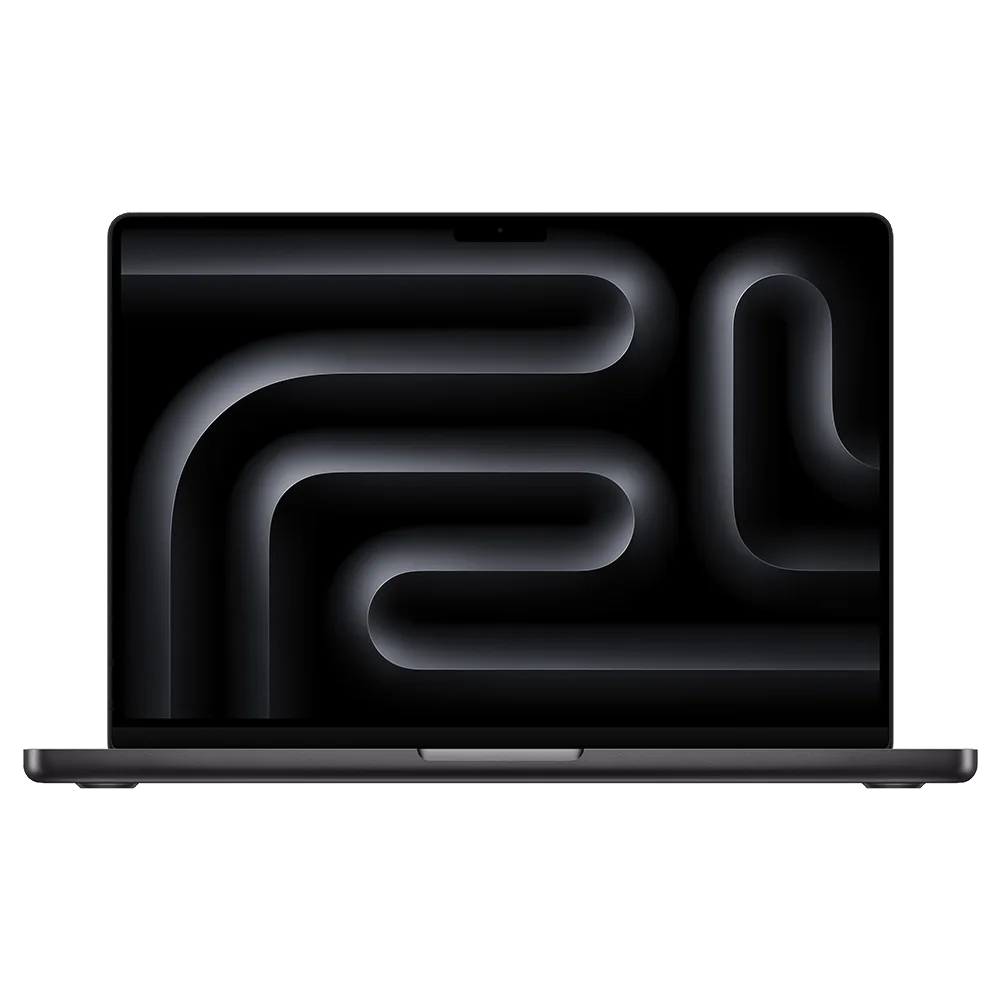
The MacBook Pro 14-inch listing with standard M4 includes a Liquid Retina XDR display plus HDMI, SDXC and Thunderbolt 4. Air is a reference for a portable workflow. Include adapters, cables and external displays if needed.
Read documentation for the exact chip: M4 differs from M4 Pro and M4 Max. Battery claims also have test conditions. The comparison tool organizes facts but cannot replace checking your applications.
Explore the demo catalog
- MacBook Air 13″ M4 16GB / 256GB
- MacBook Air 13″ M4 16GB / 512GB
- MacBook Pro 14 inch M4 16GB/512GB
- MacBook Pro 14 inch M4 24GB/1TB
Compare specifications and save a shortlist before trying the simulated cart. Prices and orders on this educational website are demonstrations, with no real charge or delivery.