
iPad Air M3 can support notes and reading when applications, Pencil, keyboard and storage fit your needs. Review the setup before trying the demo catalog.
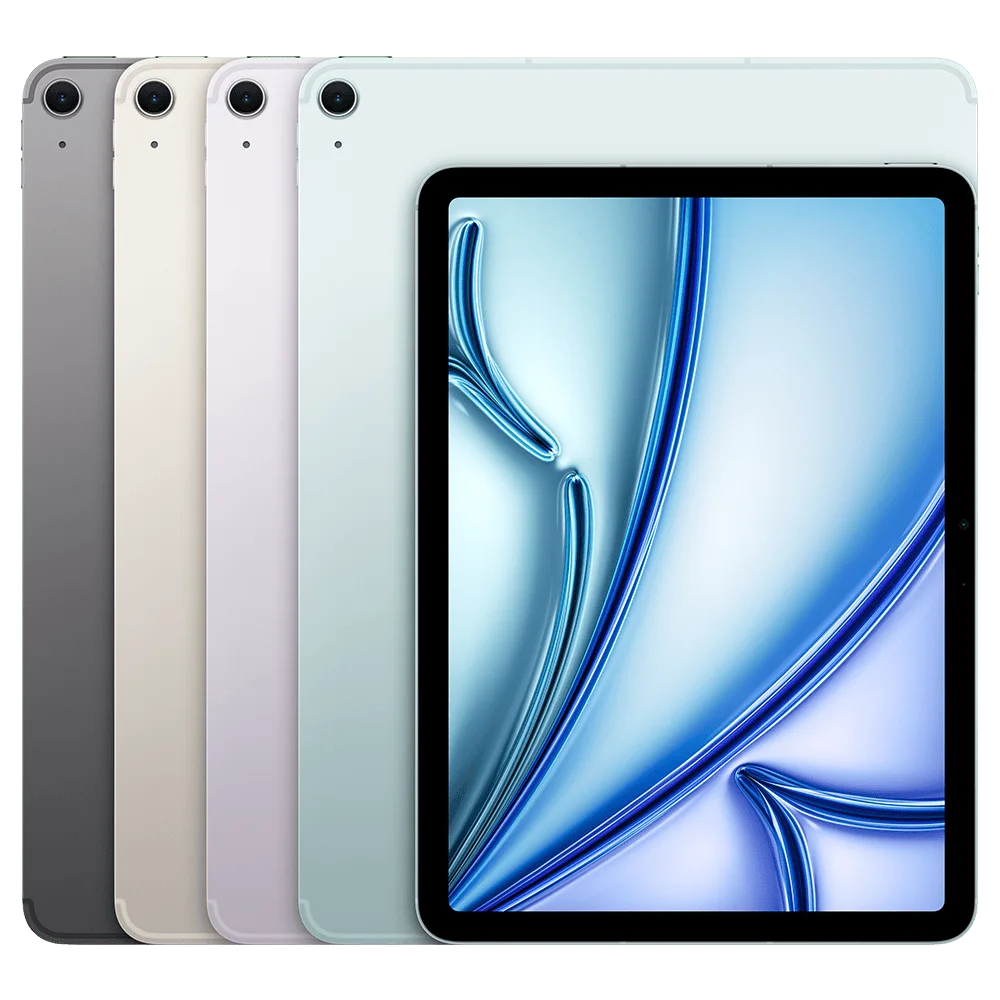
Choose around study activities
Handwritten notes, PDFs, slides and programming are different tasks. List your primary activities and check whether iPadOS applications support the required formats and submission process.
For courses using desktop-only software, an iPad may complement a laptop. Try representative files and the required export format before deciding.
Pencil and keyboard are separate choices
Apple lists compatibility with Pencil Pro and Pencil USB-C. Their features differ, so choose around notes or drawing and your applications. An accessory shown in promotional photography is not necessarily included.
For long reports, consider a keyboard and working posture. Verify the 11-inch M3 generation when selecting a case or keyboard; the general Air name is not enough.
Storage and connectivity away from home
The catalog’s Wi-Fi model requires Wi-Fi or a separate hotspot for Internet access. It is not cellular. Download documents in advance if classroom connectivity is unreliable.
Compare 128GB and 256GB against files, photos, videos and applications. Backup remains a separate task. Save favorites and compare both configurations in the demo.
Explore the demo catalog
Compare specifications and save a shortlist before trying the simulated cart. Prices and orders on this educational website are demonstrations, with no real charge or delivery.